

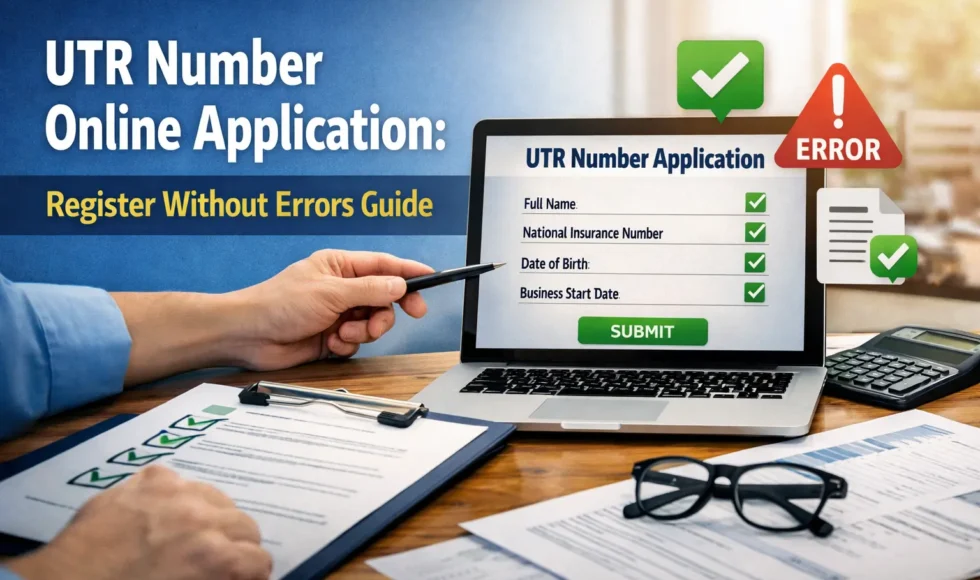
Starting a business or working for yourself comes with important tax responsibilities. One of the first and most critical steps is completing the utr number online application so you can be properly registered for self-assessment. Many people delay or make mistakes during this process, which can lead to penalties, missed deadlines, or unnecessary stress.
What Is a UTR Number and Why It Matters
A Unique Taxpayer Reference (UTR) is a 10-digit number issued by HM Revenue & Customs to identify you for tax purposes. It allows authorities to track your tax records, returns, and payments accurately.
Without completing the utr number online application, you cannot:
-
Submit self-assessment tax returns
-
Pay the correct amount of tax
-
Prove your tax status to clients or accountants
This makes the UTR number essential for freelancers, contractors, landlords, and company directors.
Who Needs to Complete the Registration
You are required to complete the utr number online application if you fall into any of the following categories:
-
Self-employed individuals
-
Sole traders
-
Partners in a business partnership
-
Company directors receiving income outside PAYE
-
Individuals earning untaxed income
If you earn money independently and tax is not automatically deducted, registration is not optional—it’s mandatory.
Information You’ll Need Before Applying
Preparing your details in advance helps avoid mistakes during the utr number online application. Make sure you have:
-
Full legal name
-
Date of birth
-
National Insurance number
-
Current address and contact details
-
Business start date (if applicable)
-
Nature of your business or income source
Entering incorrect or incomplete information is one of the most common reasons applications are delayed.
Step-by-Step Guide to Applying Successfully
Follow these steps carefully to complete the utr number online application without errors:
-
Visit the official government registration portal
-
Select the option for self-assessment registration
-
Choose the correct category (self-employed, partnership, etc.)
-
Enter your personal and business details accurately
-
Review all information before submission
-
Submit the form and keep a confirmation record
Double-check spelling, numbers, and dates before moving to the next screen.
Common Mistakes That Cause Delays
Many applicants face problems because of avoidable errors during the utr number online application. Watch out for:
-
Using an incorrect National Insurance number
-
Entering a future business start date
-
Selecting the wrong employment status
-
Submitting duplicate applications
-
Ignoring confirmation emails or letters
Even small mistakes can lead to weeks of delay, so accuracy is essential.
How Long the Application Process Takes
After submitting the utr number online application, processing usually takes between 10 and 20 working days. Your UTR number is typically sent by post to your registered address.
Delays may occur if:
-
Information cannot be verified
-
You recently changed your address
-
There is a high volume of applications
Make sure your postal address is correct and accessible.
What to Do After Receiving Your UTR Number
Once your utr number online application is approved and your number arrives, store it securely. You will need it for:
-
Filing annual tax returns
-
Paying income tax
-
Communicating with tax authorities
-
Working with accountants or financial advisors
Losing your UTR number can complicate future filings, so keep both digital and physical copies.
Can You Apply If You’re Late?
Yes, but delaying your utr number online application can result in penalties if you miss tax deadlines. If you’ve already started earning income, register as soon as possible to reduce risks and potential fines.
Frequently Asked Questions (FAQ)
How many times can I submit a utr number online application?
You should only submit one application. Multiple submissions can cause confusion and delays.
Is there a fee for registration?
No, the utr number online application process is completely free when done through official channels.
Can I apply without a National Insurance number?
In most cases, a National Insurance number is required. Without it, your application may be delayed or rejected.
What if I entered incorrect details?
If you realize an error after submitting the utr number online application, contact the tax office immediately to correct it.
Do I need a UTR number if I already pay tax through PAYE?
You only need one if you earn additional untaxed income outside PAYE.
Final Thoughts
Completing your utr number online application correctly is one of the most important steps in managing your tax responsibilities. By preparing your details, following each step carefully, and avoiding common mistakes, you can register smoothly and on time. Taking this process seriously now helps you stay compliant, avoid penalties, and focus confidently on your work or business.